Teach you how to install the iView HD IPTV.(A detailed version)

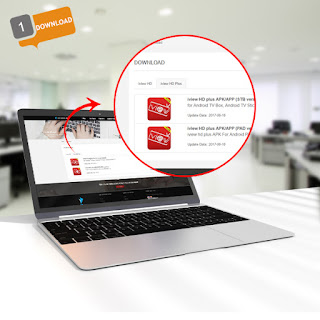
Android TV box owners To install iView HD &iView HD Plus , you first need to download our software onto your Android TV box. The easiest and fasted way is to simply download it to your laptop or PC, and then drag the “ iView HD .Android.apk” file over to a USB memory stick then put the memory stick into the USB slot on your Android box and install it this way. Installing third-party apps on Android TV is a simple process. Enable Installation from Unknown Sources Like all other Android devices, installation from Unknown Sources is disabled by default. To be able to manually install apps on your Android TV, you will have to enable it first. Go to Settings -> Security and Restrictions and scroll down to the Unknown Sources option. Tap on the checkbox to enable it. Download the iView HD APK from Here You can download the iView HD software APK to your laptop or directly to your Android box if you can navigate the iView HD website ...